
Overview
One editor for building a game and playing it
The Index Engine is the engine and editor we make our games in. Alderen and Outer Index 3D are built in it, and so is the Outer Index rebuild. The game runs inside the editor while we work, so a change can be tried the moment it’s made, and F5 builds and runs the whole game with a menu of places to start from.
We made it for our own work, and it isn’t available to download.
Building worlds
Places are scenes, built from kits of pieces
Levels and the rooms they’re made from are scenes you open, change and save, and a node graph shows how one level leads to the next. A new scene opens as an empty plane, ready to build on.
Art arrives as kits. A kit imports as a set of pieces and ready-made prefabs, so a street of houses or a dungeon hall can be laid out from parts, and any saved place can be played straight from the editor.
Terrain
Ground you can shape and paint
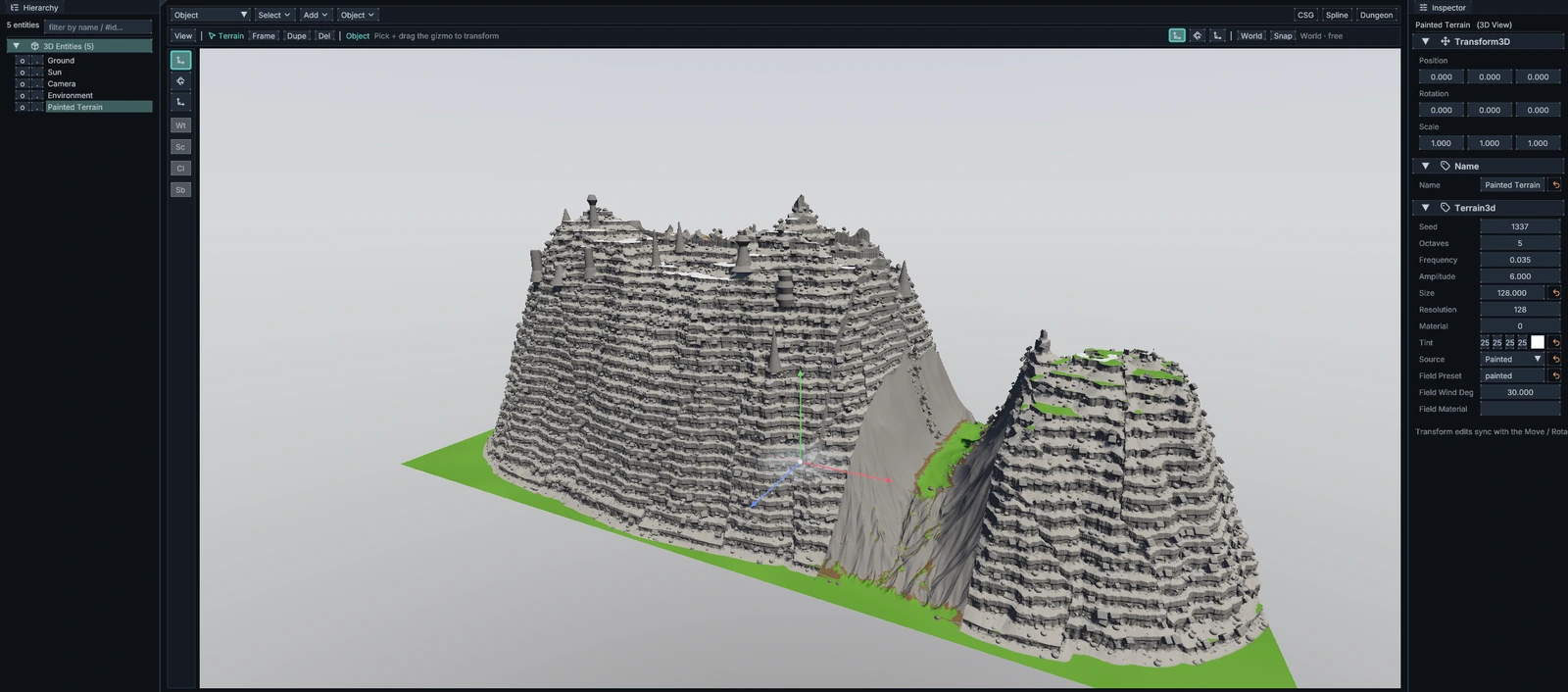
Terrain sits on a core of smooth shapes with collision, and it can be painted in strokes that undo like any other edit. A rock generator adds tiered cliffs, rubble and spires.
Painting terrain straight onto the 3D view, with a brush for each kind of ground, is the next step, and we’re building it now.
AI in the editor
An assistant that works the way you do
An AI assistant can open the editor alongside you and make changes the same way you do. It can also run scripts, and a whole script undoes with a single Ctrl+Z.
You stay in charge of it. When you start dragging or typing, its edits wait for you to finish, and it can never save over work you haven’t saved yet.
How it works with you
- You choose whether it can only look, can edit, or has full access
- A status light shows when it’s working, and one click stops it
- Its edits wait while you drag or type
- It never saves over work you haven’t saved
- A script it runs undoes with one Ctrl+Z
Big places
Large scenes that open fast and draw light
Aster’s Reach, Alderen’s hub city, used to take three and a half minutes to open in the editor, and now it opens in about 18 seconds. Drawing a large scene costs about a fifth of what it did, and playing the town uses about 1.9 GB of graphics memory, down from 6.9 GB.
Rendering
Built on Vulkan and Direct3D 12
The renderer runs on Vulkan and Direct3D 12, with cascaded shadows and physically based materials. Its device layer is derived from the Godot Engine’s MIT-licensed source.
Physics comes from Jolt, and meshes are optimized with meshoptimizer. Our credits page lists every library we build on and the license for each.
Tools inside the editor
Pixelforge and Voxel Studio
Pixelforge is where we draw and animate sprites, in the same project as the game that uses them.
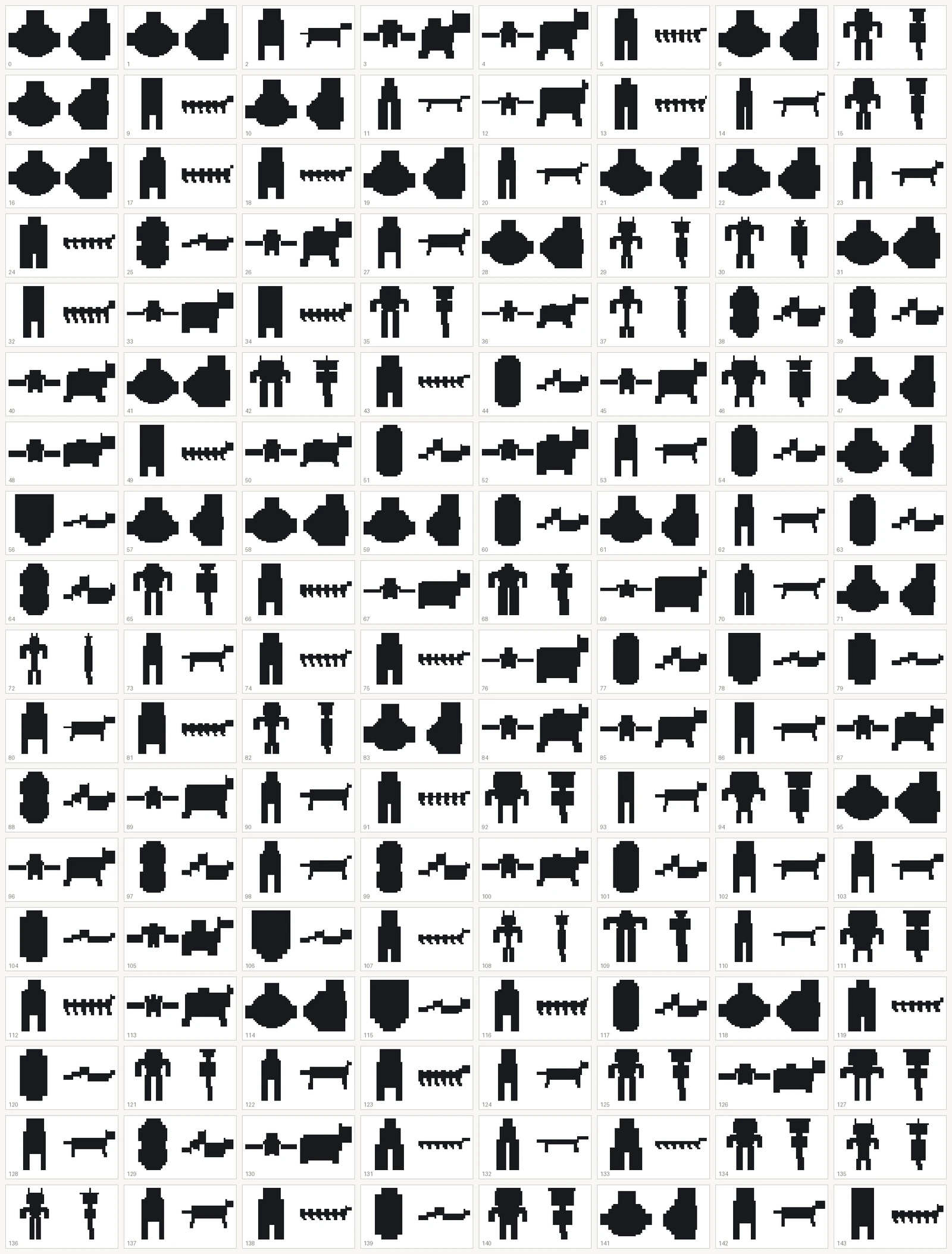
Voxel Studio builds creatures from a handful of sliders and a seed, each with a body, a skeleton, its own colors and a way of moving. It made the creatures for Alderen’s earlier look, when the game was built from blocks.
Pictures
The editor at work


News
From the news
-
The editor builds the world
Our editor has picked up a lot since September: painted terrain, kits of ready-made pieces, places you can play the moment they’re saved, and an AI assistant that can work in the editor alongside you.
-
How Voxel Studio makes creatures
Alderen’s creatures come from Voxel Studio, a tool in our editor. This post covers its six body plans and why we look at candidates as black silhouettes.