Alderen
A first-person dungeon crawler in a world of one-meter blocks you can dig through.
In developmentVoxel Studio is a panel in our editor with a row of sliders and a seed field. When you move a slider, the creature in the preview changes to match. Each creature gets a body and a skeleton, plus its own colors and way of moving. A new seed gives you another animal of the same kind, so you can look through a whole litter and pin the one that seems most likely to bite.
So far you can pick from six body plans (humanoid, four-legged, many-legged, serpent, flyer, blob). We’re a little fond of the blob. Each creature you pin is saved as a small recipe, and Alderen loads those recipes to make its creatures.
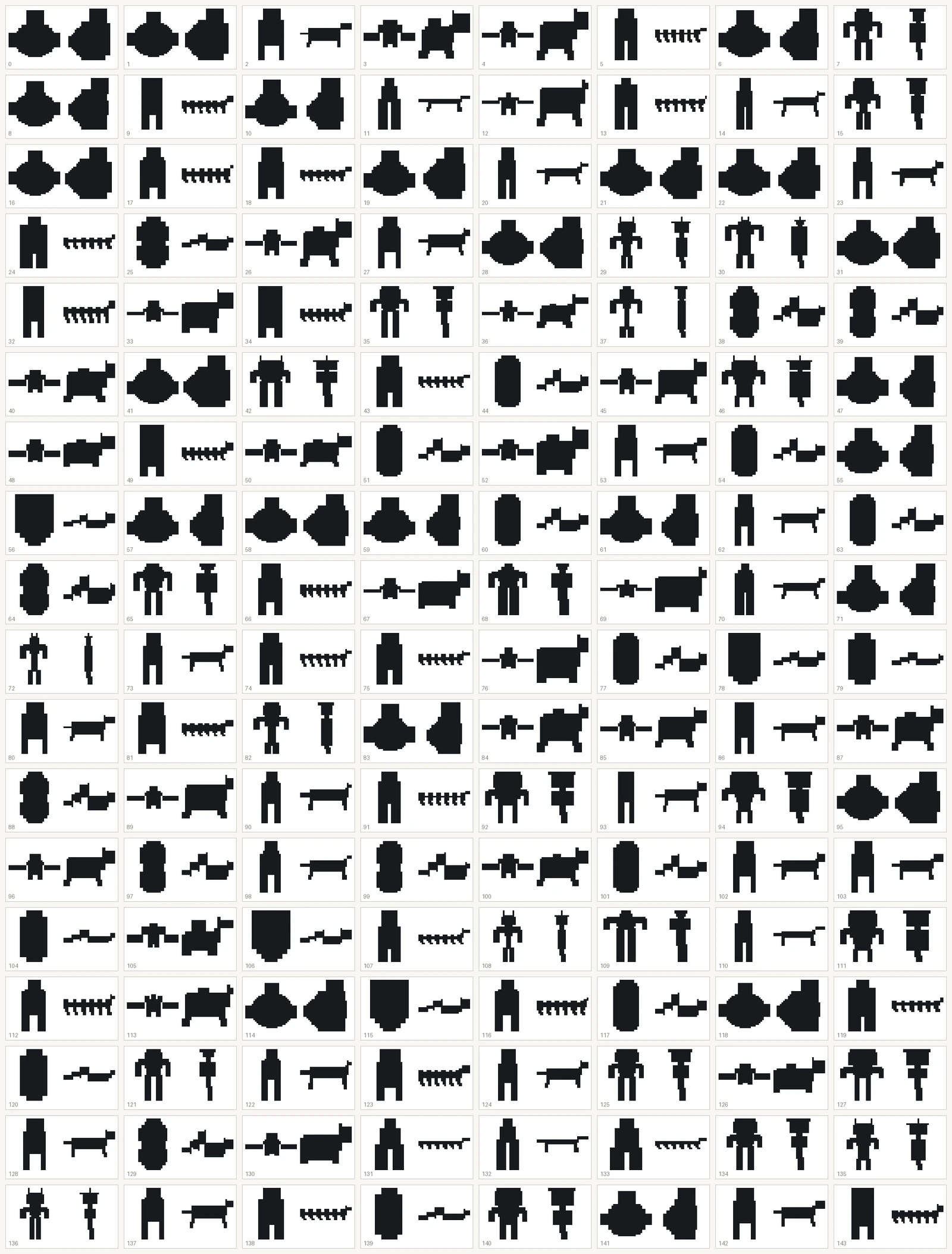
Alderen’s dungeons are dark, and you see them by the light of your torch, so a creature has to be recognizable from its outline. When we review candidates, each one is shown as a plain black silhouette with a number next to it. We pick our favorites before checking which settings made which.
It’s still early days for Voxel Studio, and we’re working on two parts of it right now. The range of shapes it can make is narrower than we’d like, and a size limit keeps creatures from getting very big.
A first-person dungeon crawler in a world of one-meter blocks you can dig through.
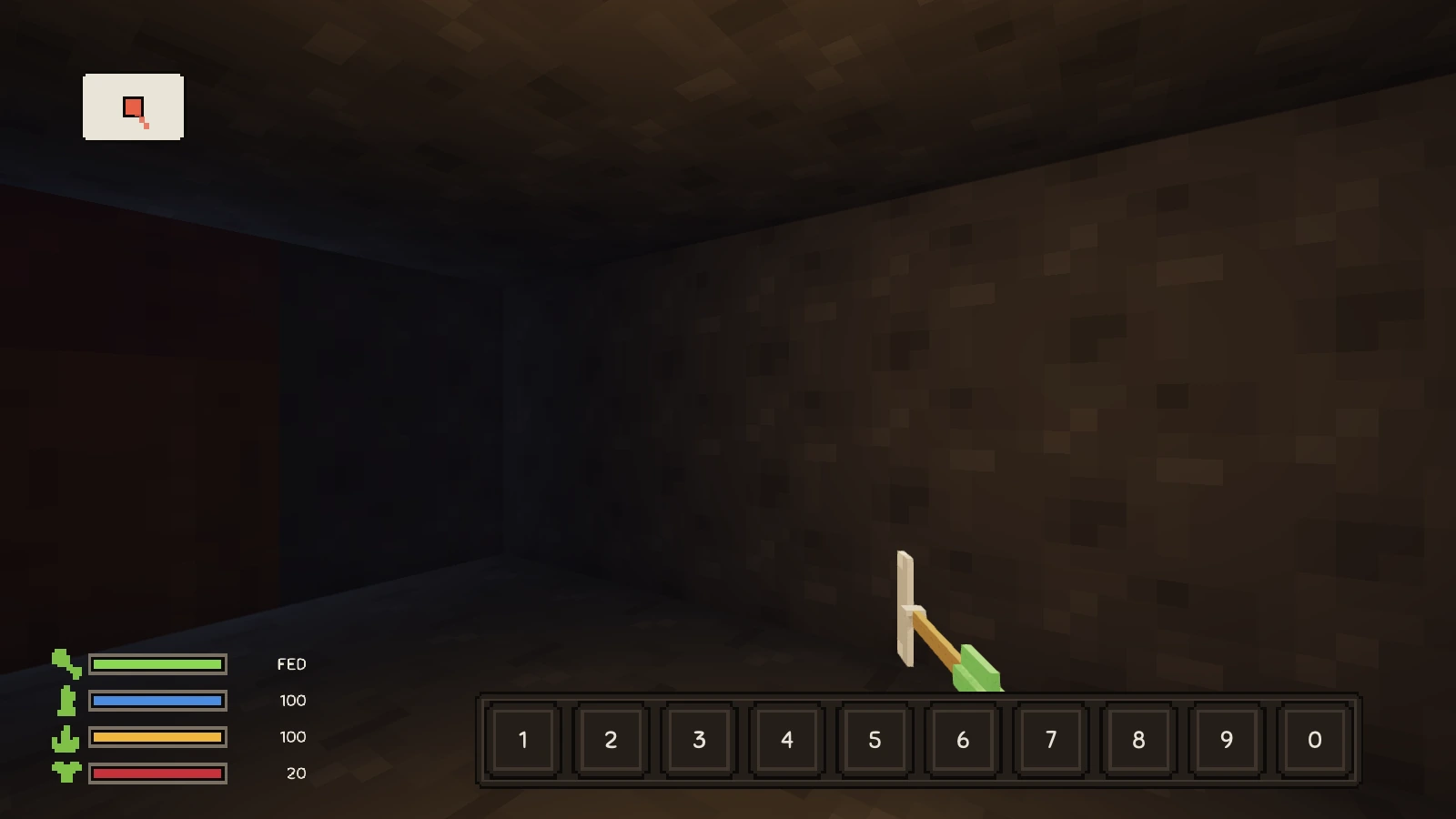
In developmentAlderen’s map now draws only the ground you’ve walked and the stairs you’ve found, so every floor ends up with a shape you can recognize.
Older pictures of Outer Index 3D came out much too dark. The cause was the very last step before a picture reaches your screen, and it’s fixed now.