Outer Index 3D
A third-person horde game on alien worlds generated whole from a single seed.
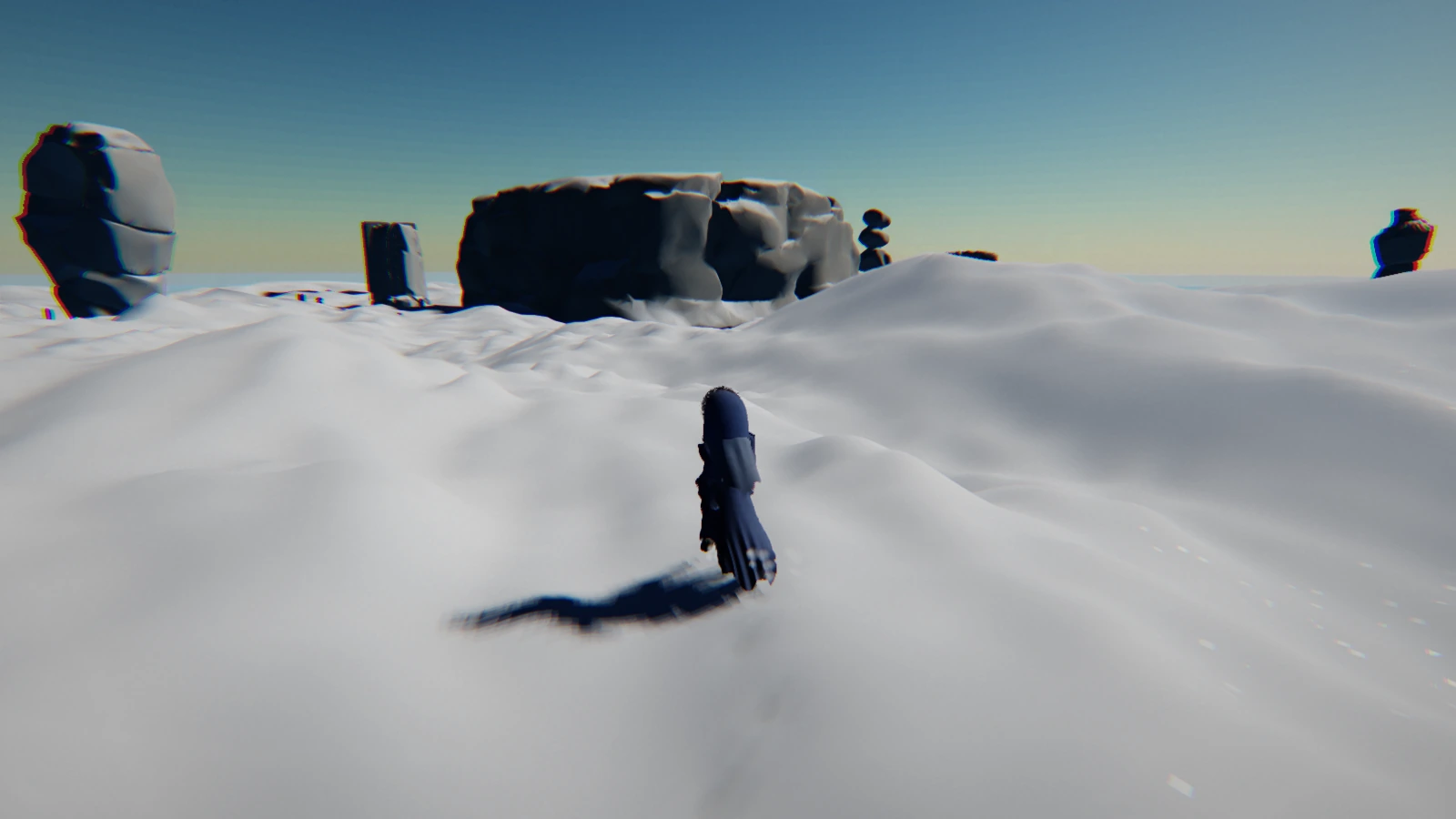
In developmentIf you’ve seen our older screenshots of Outer Index 3D, you might remember how dark they were. The player character came out nearly black, and the shadows had hardly any detail in them. Our sunsets looked a lot gloomier than we’d planned.
The trouble was in the very last step, where the finished image gets encoded for your screen. That step was being done the wrong way, and it made every dark part of the picture far darker. Bright areas like the sky hardly changed, which is part of why it took us a while to find.
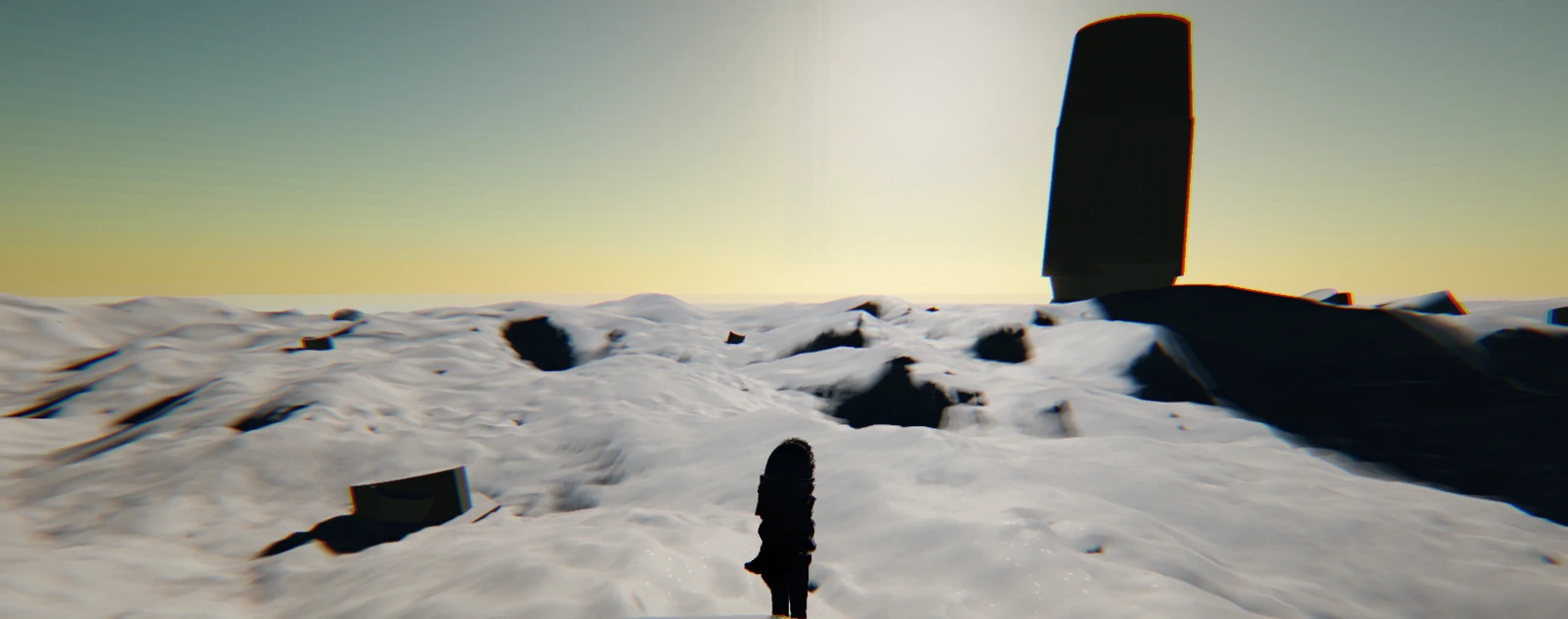
With the fix in, shadows have detail again, and rocks show a lit side and a shaded side. We’re happiest with the sunsets, which finally look like the evenings we had in mind.
Some of the screenshots on this site were taken before the fix, so they look darker than the game does now. That includes both of the Outer Index 3D snowfield pictures.
A third-person horde game on alien worlds generated whole from a single seed.
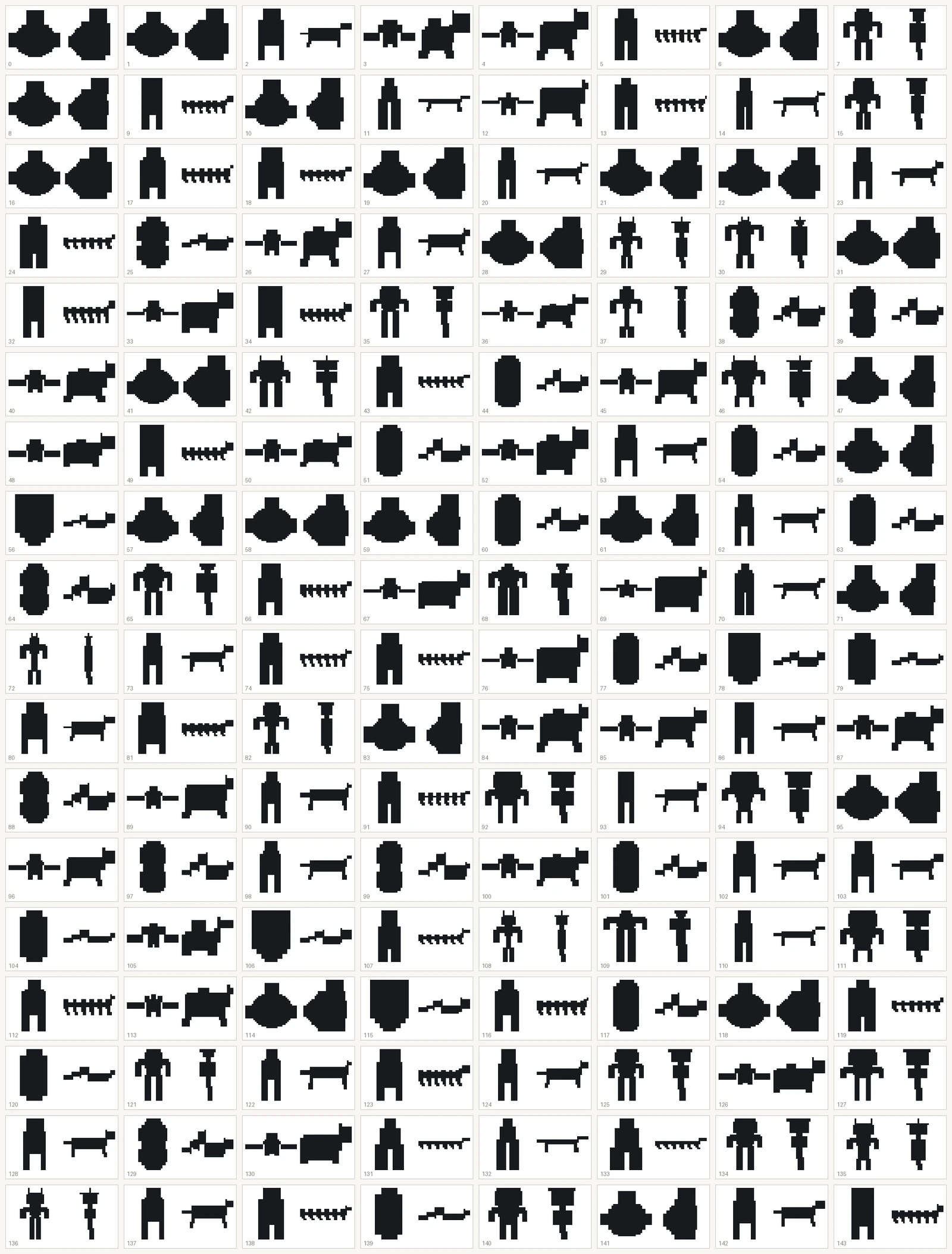
In developmentAlderen’s creatures come from Voxel Studio, a tool in our editor. This post covers its six body plans and why we look at candidates as black silhouettes.
Alderen’s map now draws only the ground you’ve walked and the stairs you’ve found, so every floor ends up with a shape you can recognize.